

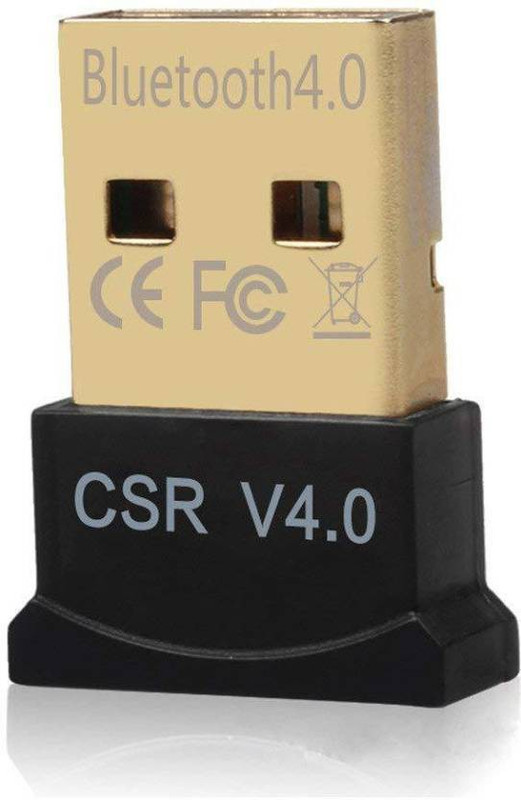
Description
20M 4.0 CSR 2.0 3.0 Dongle Dual Mode Mini Wireless Bluetooth With CD, Mini USB Bluetooth Adapter, CSR 4.0 USB Bluetooth Dongle Receiver for Laptop PC Computer Support Windows 10, 8, 7 Vista XP 32/64.When you connect headset or speaker,feel the sound like handsfree, please You have to Uncheck “Handsfree telephony” from the services setting on your bluetooth device -> Control Panel/Hardware and Sound/Devices and Printers -> select your device and right-click, open Properties, then go to Services tab and uncheck Handsfree Telephony. Marked as your default device in Control Panel -> Hardware and sound -> Change system sound -> Playback -> select bluetooth device and select set defaults.When you connect headset or speaker,feel the sound like handsfree, please You have to Uncheck “Handsfree telephony” from the services setting on your bluetooth device

Reviews
There are no reviews yet.