

Description
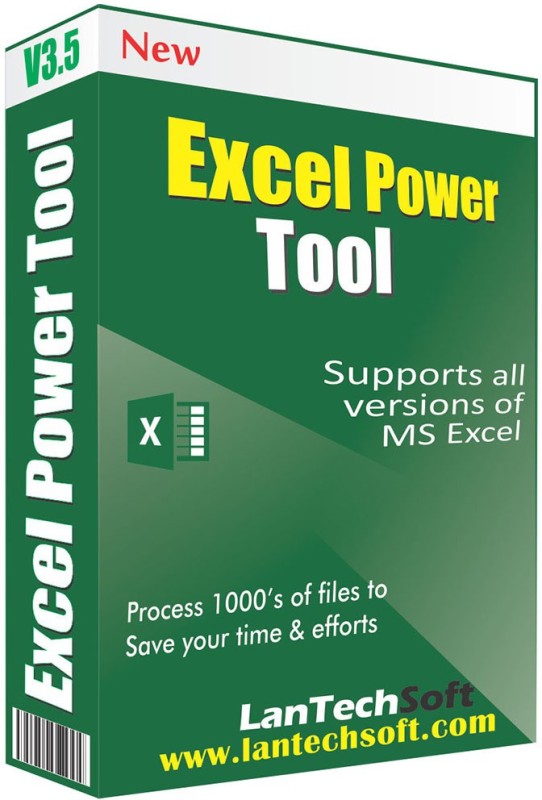
Excel Power Tool can remove all types of tedious data from excel files. This innovative software can process thousands of Excel files in one go. This Excel utility tool supports all formats of Excel files like .xls, .xlsx, .xlsm, etc. It quickly eliminates tedious data from excel files without harming the original data at all. Excel Power Tool has got some amazing specialties that make the task easier for the user. The tool is capable of removing duplicates of numbers, digits, alphabets, letters, characters, etc. from bulk of Excel sheets. It can even remove extra spaces in excel files. One of the most amazing features of this tool is that it can also split and merge sheets and workbooks of excel files into one. This Excel Utility can also unhide hidden sheets and workbooks in excel files. All the functions listed here are done at a tremendous speed by the tool.Regarding its use there is one thing sure that it is the easiest Excel Utility tool to operate. The tool completes tasks in just three clicks of the mouse. The first thing user has to do is choose and dump the excel files in which he wants to remove data. Then select the sorts of data you want to remove from excel files and click on start to begin the process. Later on you can save the files in a target folder selected by the user.


Reviews
There are no reviews yet.