

Description
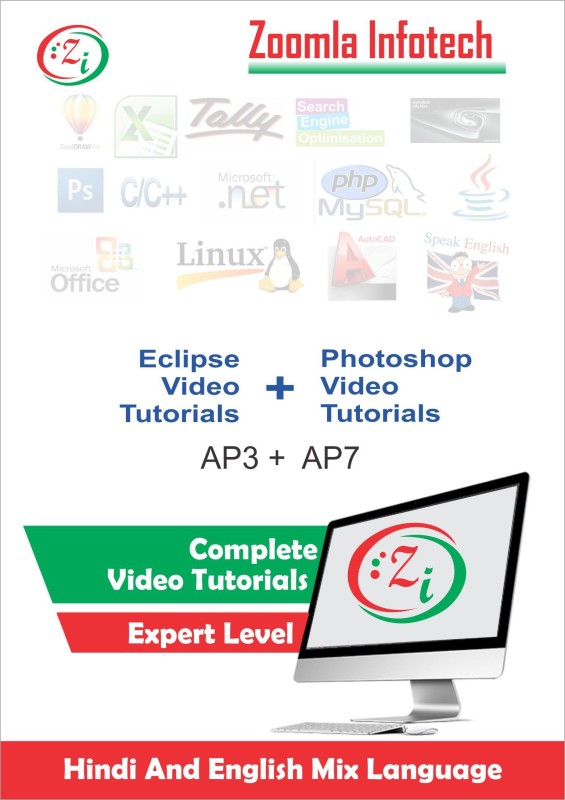
We are showing here some of the contents of the Eclipse & Photshop CS5 Video Tutorials DVD in Hindi Language. List of Video Tutorials for Eclipse Video Tutorials in Hindi Total Duration 1.5 hours: Topics Covered In Eclipse Introduction To Eclipse Downloading And Installing Eclipse For Windows Installing Eclipse For C,C++ Development Installing Eclipse For JavaScript Development Working With Default Perspective Exploring Toolbar And Main Menu Creating New Project And Importing File Creating Java Project Customizing Coding Style Using Package Explorer And Navigator Save Perspective Using Advance Editing Techniques In Java Editor Using JUnit Code Refactoring And Javadoc Correct Errors Using Eclipse Debugger Working With Code Completion Syntax Checking Getting Help Within Eclipse Searching On The Basis Of Text And Java Code Extending Eclipse With Bundles And Plugins Extending Eclipse With Apache Maven Extending Eclipse With WindowBuilder Extending Eclipse With EGitAnd Many more————–Learn Photoshop Video Tutorials in Hindi DVD/CD, Total Duration 6.5 Hours- Welcome – Basics Of Layout And Workspace – Create New File – Document Size And Create Duplicate Document – Canvas Size – Opening, Saving And Closing The Files – Open Images – Changing Image Size – Arrange Documents – Switch Between Windows – Tabbed Window Interface – Navigate The Screen From The Keyboard – Navigator Pane – Changing Pasteboard Color- Layer Via Copy And Layer Via Cut – Merging Layers Part-1 – Restrize Layer – Rectangular And Elliptical Marquee Tool – Selection Tools Of Rectangular And Elliptical Marquee Tool – Using Feather With Rectangular And Elliptical Marquee Tool – Single Row And Column Marquee Tool – Move Tool And Free Transform – Lasso Tools – Quick Selection Tool – Magic Wand Tool – Crop Tool – Slice Tool – Slice Tool Part-2 – Slice Select Tool – Eye Dropper Tool And Color Sampler Tool – Ruler Tool – Notes Tool – Count Tool – Spot Healing Brush Tool – Healing Brush Tool – Patch Tool – Red Eye Tool – Brush Tool – Brush Tool Part 2 – Pencil Tool – Color Replacement Tool – Mixer Brush Tool – Clone Stamp Tool – Pattern Stamp Tool – Eraser Tool – Background Eraser Tool And Magic Eraser Tool – Gradient Tool – Paint Bucket Tool – Blur Tool And Sharpen Tool – Smduge Tool – Dodge Tool And Many More..

Reviews
There are no reviews yet.