

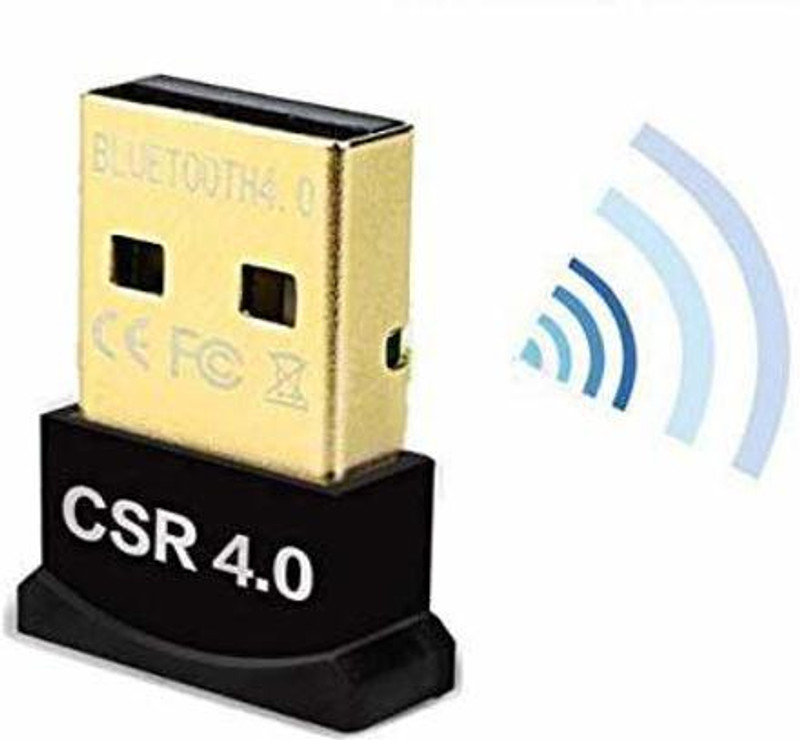
Description
Bluetooth-enable any Windows-based PC or laptop, so it can work with:Frequently Asked Questions:Q1: Why do I get a driver error when I install the driver?A: Maybe the built-in Bluetooth on the computer causes a conflict.Please disable the previous Bluetooth first.Q2: Will this work with my TV, home theater equipment, or my car stereo system?A: Sorry, this device will only work Windows computers. Even though TVs, home theater equipment, and stereos have USB ports, they don’t have the necessary drivers to support this adapter.Q3:Why is the audio quality so terrible?A: Please uncheck “Handsfree telephony” from the services setting on your bluetooth device -> Control Panel/Hardware and Sound/Devices and Printers -> select your device and right-click, open Properties, then go to Services tab and uncheck Handsfree Telephony.Q4: Does this work with the new Xbox One S Controller that has Bluetooth?A: Yes! The Bluetooth adapter works great with the Bluetooth-capable Microsoft Xbox One S Controller (Windows 10 with Anniversary Update or greater only), but for DS4 which use a non-standard Bluetooth implementation that requires third-party software, you can have a try.Q6: It have connected to the Bluetooth headphone but there is no sound outputA: Please click the “sound icon/playback device” in the lower right corner of the desktop to set the Bluetooth headset as the default output.Important Note:When you connect headset or speaker,feel the sound like handsfree, please You have to Uncheck “Handsfree telephony” from the services setting on your bluetooth device -> Control Panel/Hardware and Sound/Devices and Printers -> select your device and right-click, open Properties, then go to Services tab and uncheck Handsfree Telephony. Marked as your default device in Control Panel -> Hardware and sound -> Change system sound -> Playback -> select bluetooth device and select set defaults.

Reviews
There are no reviews yet.