

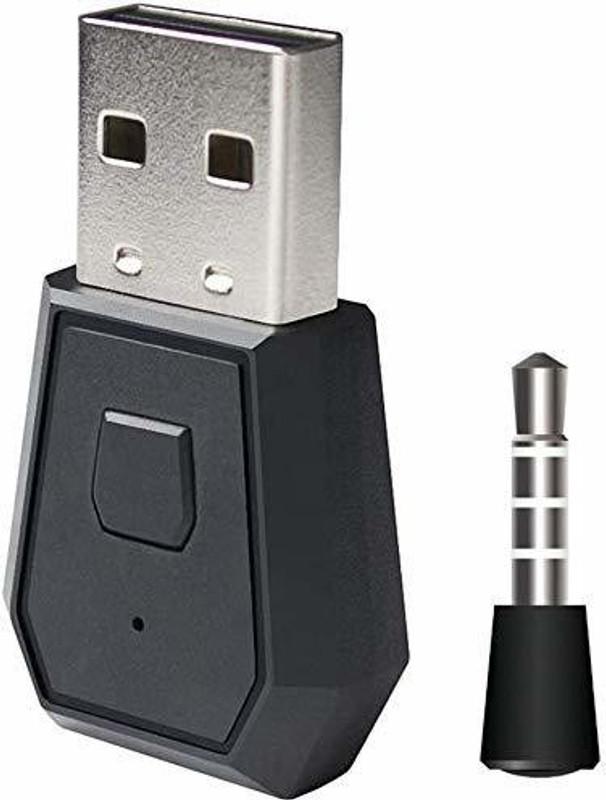
Description
Turn on the PS4 host, set the PS4 console audio output mode, select Settings-Peripheral Devices-Audio Devices-USB Headset (USB Audio Device). completing this setting, you must turn on the external audio settings) connection method:1.turn on you ps4 insert the bluetooth dongle into one of the usb ports ,2.the lED indicator on the dongle flashes slowly first,then press the dongle button 2 seconds the LED indicator flashes quickly,this signals pairing mode.turn on you bluetooth headphone and turn it to pairing mode. the bluetooth dongle and your bluetooth headphone will automatically pair the LED indictor of the dongle will turn blue when connecting successfully.and the bluetooth dongle will automatically connect to the blutooth headphone at next time ,3.insert the microphone into the earphone jack of ps4 contyoller

Reviews
There are no reviews yet.