
Additional information
| Weight | 0.5 kg |
|---|---|
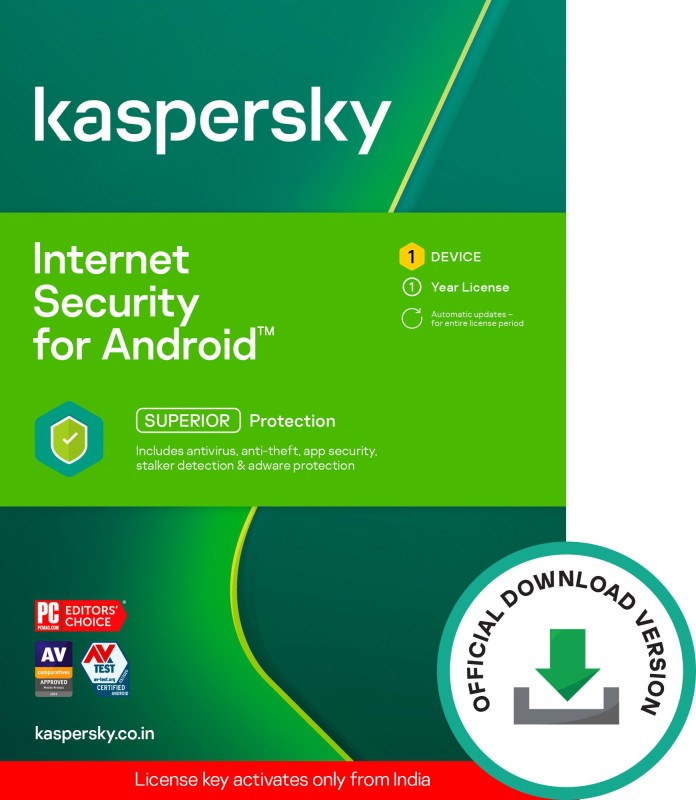
| Sales Package | License Key |
| Brand | Kaspersky |
| Type | Mobile Security |
| Number of PC | 1 PC |
| Subscription Validity | 1 Year |
| Version | Latest |
| Edition | Standard Edition |
| Product Type | digital_service |
| Internet Connection Required | Yes |
| Download Size | 38 MB |
| Product Activation Procedure | Kaspersky Internet Security for Android App After Installation – How to Set Up 1. Give the App Necessary Permissions. |
| Procedure to Redeem | Install Kaspersky Internet Security app from Google Play store, Allow all necessary permissions, Accept and continue after you have read the T&Cs, Tap"I have an activation code"and enter your activation code for the premium version to activate the app, Run the scan, App is ready to use. |
| Subscription Type | New Subscription |
| Processor | NA |
| Operating System | Android |
| Operating System Version | Android 4.2 and Above |
| RAM | 2 |
| System Monitor | Yes |
| Malware Spam Protection | Yes |
| Live Updates | Yes |
| Flash Drive Protection | Yes |
| Language Supported | English |
| Other Features | Real-time Protection, Manual and Auto Scan, Anti Phising, App Locker |
| Service Type | Toll free Number: 000-8000-401-097 (Monday to Friday, 9.00 AM to 6.00 PM, Support Language: English, Hindi), "Activation code is invalid for this region" error means the key is being activated from Out of India, Submit and track your requests at my.kaspersky.com |



Reviews
There are no reviews yet.