
Description
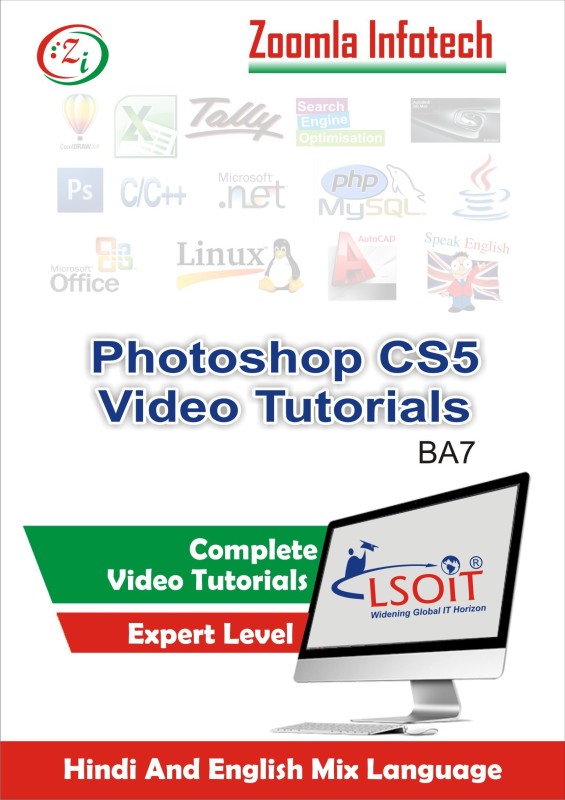
We have covered the subjects to EXPERT LEVELS. Due to space constraint we are unable to show full contents here. Please have a look on the total duration and total number of tutorials in each subject given below, you will have a feel how much we have covered. Photoshop CS5 Video Tutorials Total 148 Tutorials and Total 8 Hours DurationsContents of Tutorials for Photoshop CS5 in HINDI by Zoomla Infotech Canvas Size Opening,Saving And Closing The Files Open Images Changing Image Size Arrange Documents Tabbed Window Interface Navigate The Screen From The Keyboard Navigator Pane Changing Pasteboard Color Group Layers,UngroupLayers,Hide And Show Layers Layer Via Copy And Layer Via Cut Restrize Layer Rectangular And Elliptical Marquee Tool Selection Tools Of Rectangular And Elliptical Marquee Tool Using Feather With Rectangular And Elliptical Marquee Tool Crop Tool Slice Tool Eye Dropper Tool And Color Sampler Tool Spot Healing Brush Tool Healing Brush Tool Red Eye Tool Brush Tool Brush Tool Part 2 Pencil Tool Color Replacement Tool Mixer Brush Tool Clone Stamp Tool Pattern Stamp Tool Background Eraser Tool And Magic Eraser Tool Blur Tool And Sharpen Tool Smduge Tool Vertical Type Tool Working With Styles Paragraph Type Converting Point Type Text To Paragraph Text Changing The Orientation Of Type Character Formatting Horizontal Type Mask Tool And Vertical Type Mask Tool Path Selection Tool And Direct Selection Tool Shape ToolCustom Shape Tool Custom Shape Tool Options Hand Tool Zoom Tricks Quick Mask Mode Screen Modes Open Recent Files Print One Copy Fade Content Aware Fill Puppet Warp Free Transform Part Create Brush Create Pattern Keyboard Shortcuts Option Changing Font Preview Size Customize Menu Options Scale Position And Page Orientation New Fill Layer In Layer Menu Create Clipping Mask Smart Object Edit Contents Of Smart Objects Flattening Images Save And Load Selection Create Feather After Selection Custom Color Swatches Marking The Center Of An Image Basic Animation Using Animation (Timeline) Basics Of Animation (Frame) Window Opacity Animation Using Animation (Timeline) Style Animation Using Animation (Timeline) Grayscale Mode Moving Text Animation Scenery Creation Making Wallpaper Lens Flare Effect Light Effect Linking On Button Image In Shape Image In Text Image Rotation Face Replace With Other One Scroll Wheel TricksAnd many more Tutorials _____Total 8 hours duration______.
Reviews
There are no reviews yet.